
Heroic Games Launcher
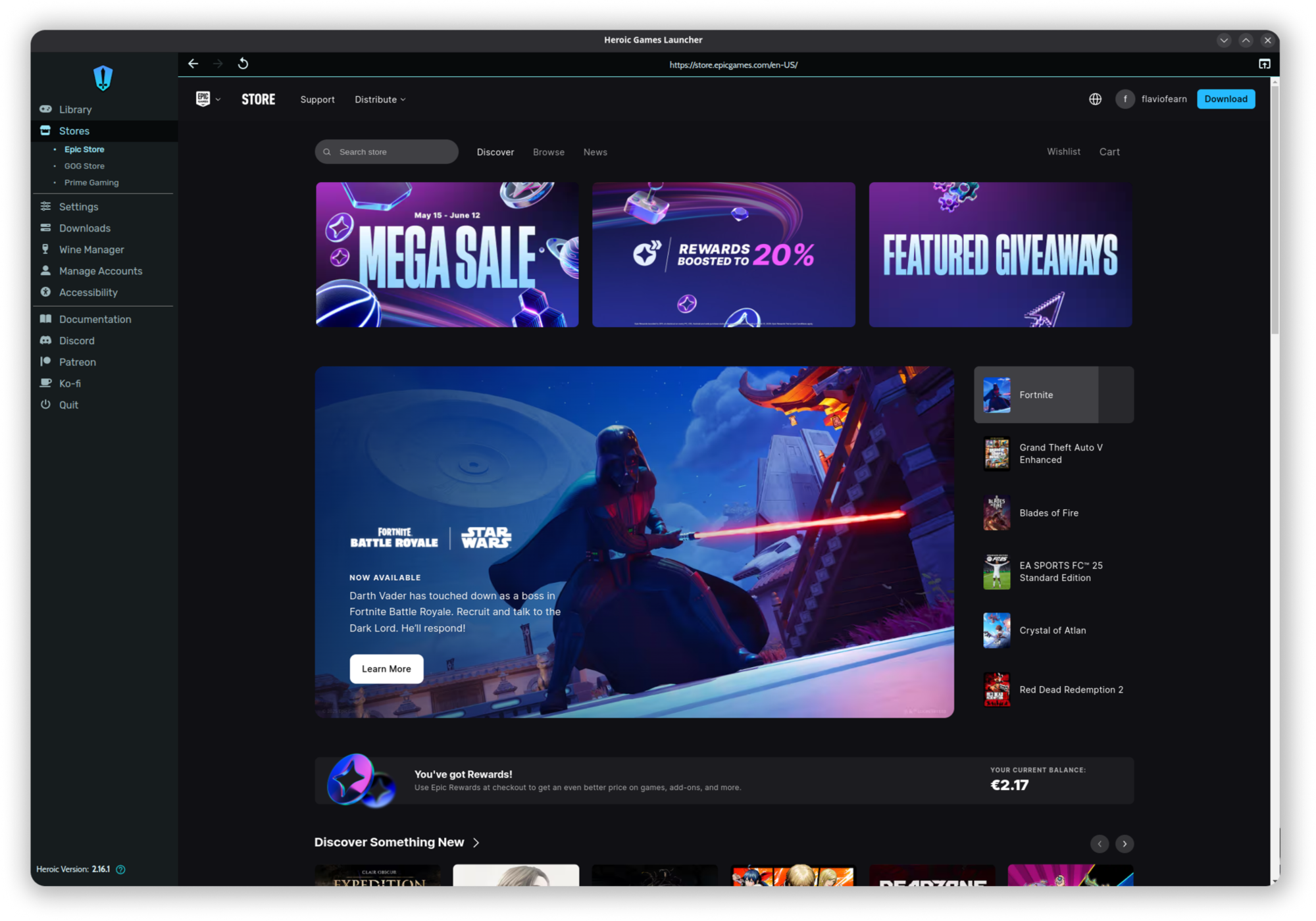
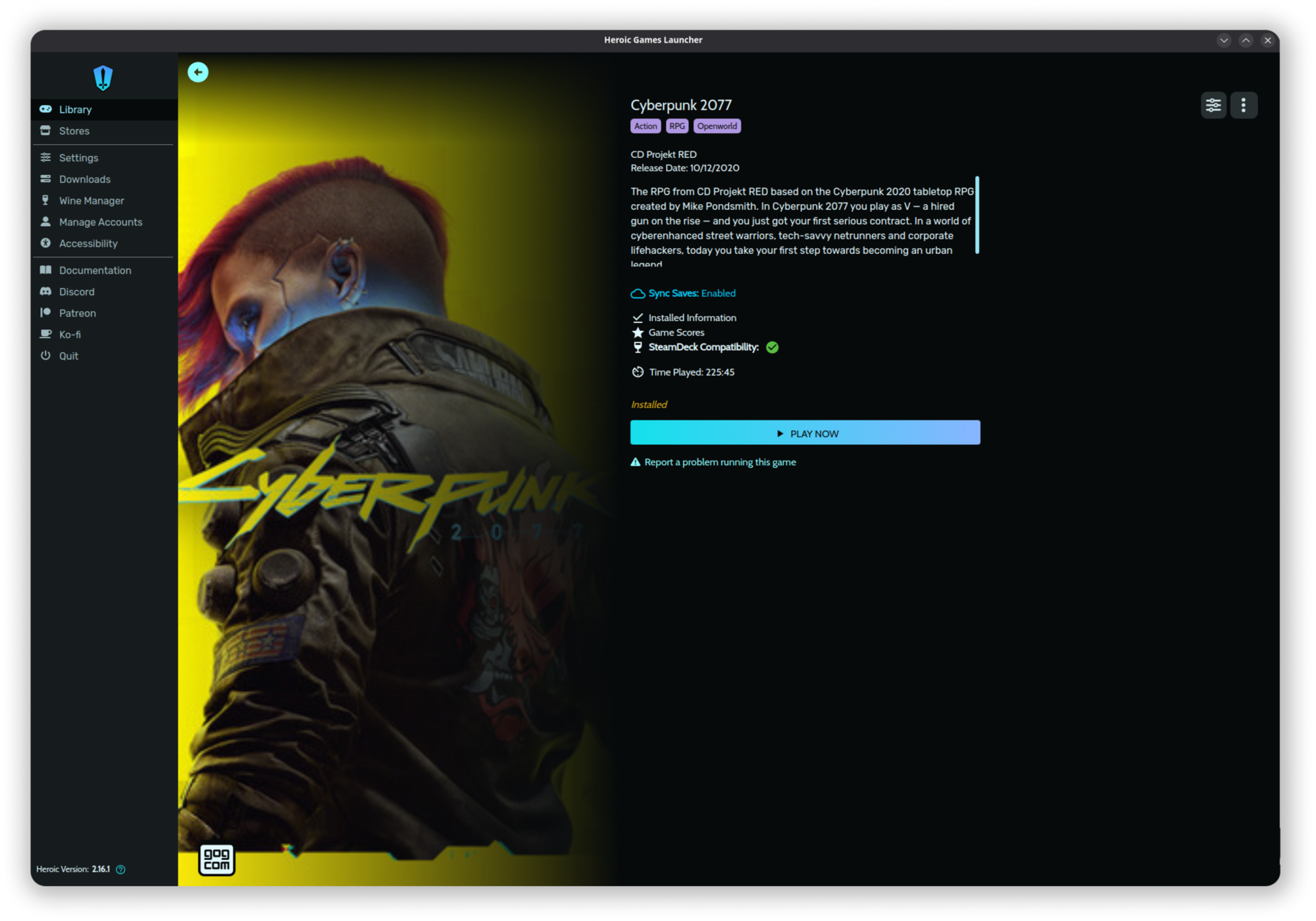
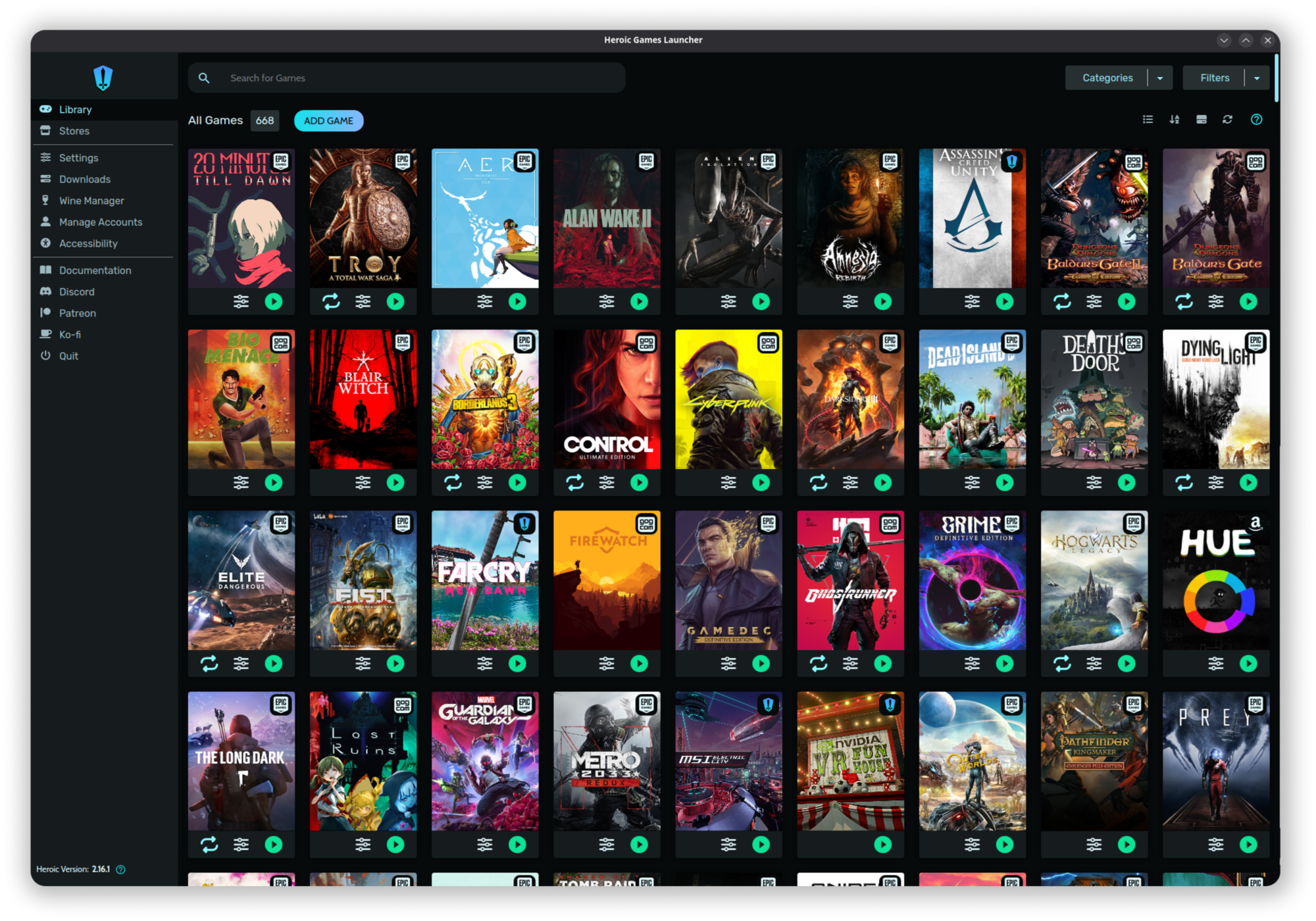
Discover Heroic Games Launcher, the open-source Linux gaming hub for Epic, GOG, and Amazon Games. Read our full review of its features and compatibility.
An All-in-One Open Source Solution for PC Gaming on Linux
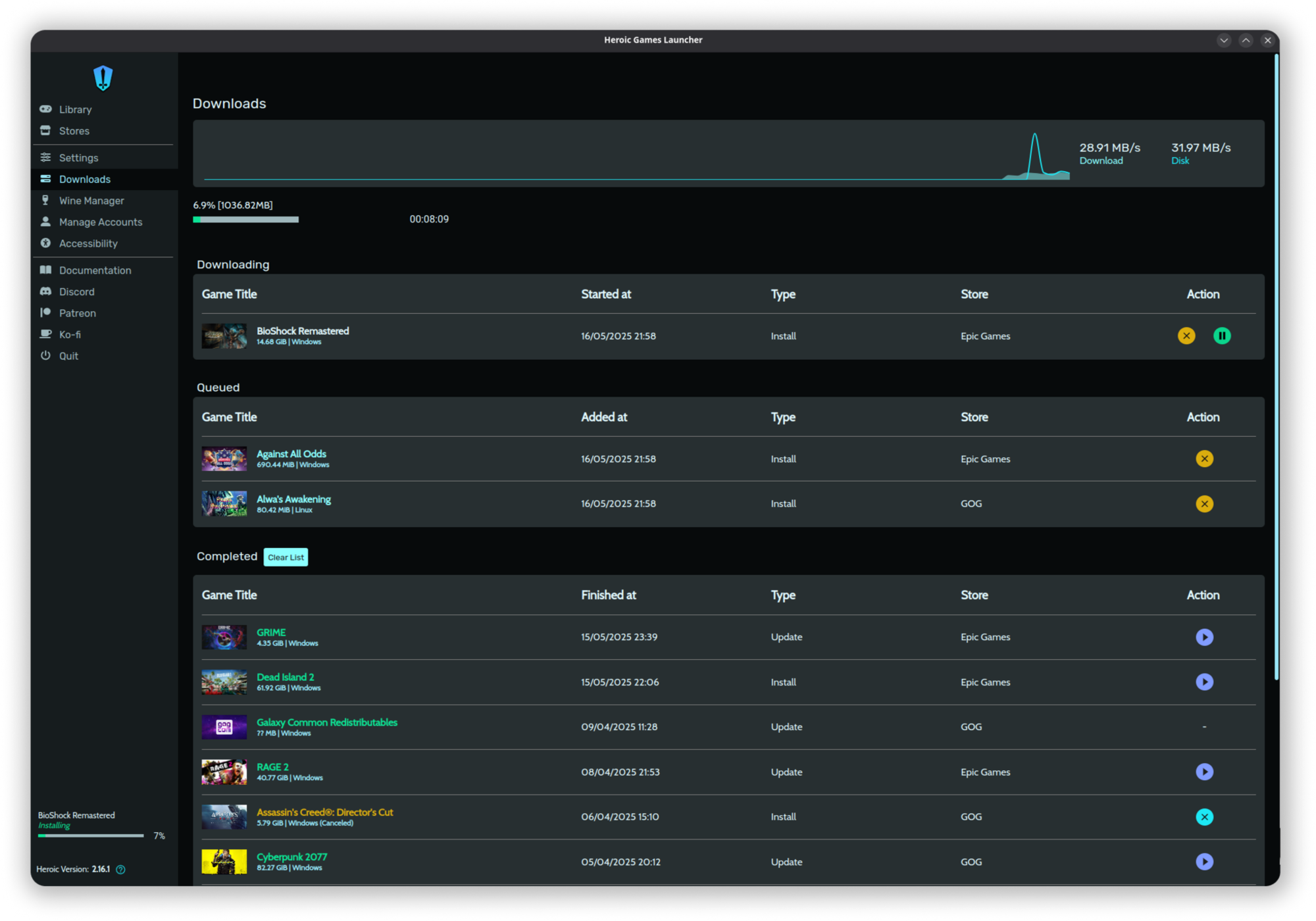
For Linux users, managing multiple PC gaming storefronts has historically been a fragmented experience. The Heroic Games Launcher open-source game manager changes this dynamic entirely. Instead of running separate, resource-heavy Windows clients under compatibility layers, Heroic provides a unified, native interface designed to consolidate your libraries from Epic Games, GOG, and Amazon Games into a single, intuitive dashboard.
By leveraging lightweight backends like Legendary, gogdl, and Nile, Heroic bypasses the overhead of official store clients. This editorial review explores how this launcher streamlines digital curation and optimizes compatibility configurations for modern Linux environments.
Key Features of the Heroic Games Launcher Open-Source Game Manager
This software serves as more than just a visual library; it is a highly functional command center for your game installations. Key technical highlights include:
- Multi-Store Integration: Seamlessly access and organize your purchased catalogs from Epic Games, GOG, and Amazon Games.
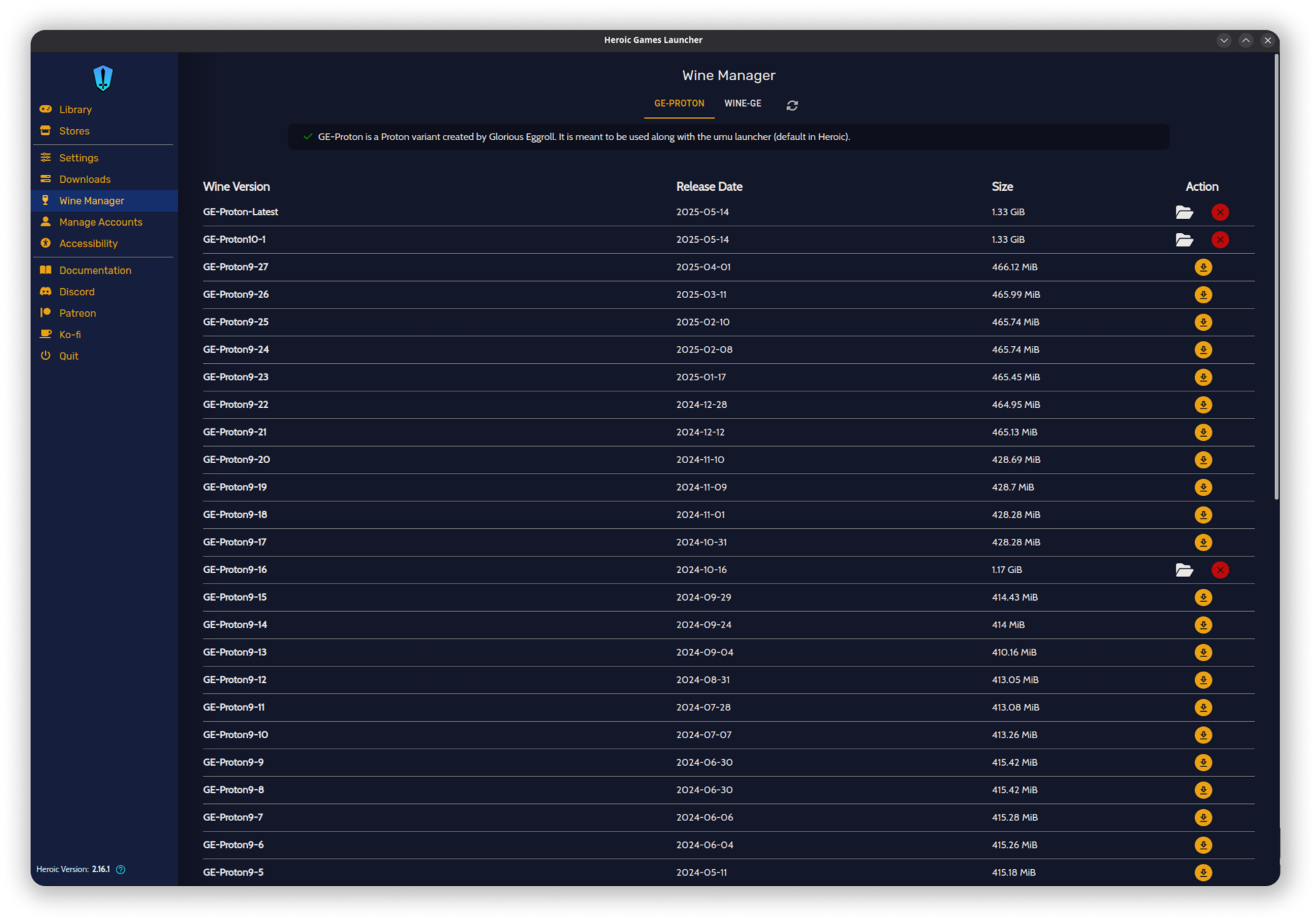
- Advanced Compatibility Management: Run Windows-native titles using Wine or Proton with a built-in Wine Manager that handles downloads and updates directly.
- Save Synchronization: Keep your progress intact with cloud save support for GOG and Epic Games.
- Library Maintenance: Easily verify, repair, or relocate game installations without losing data.
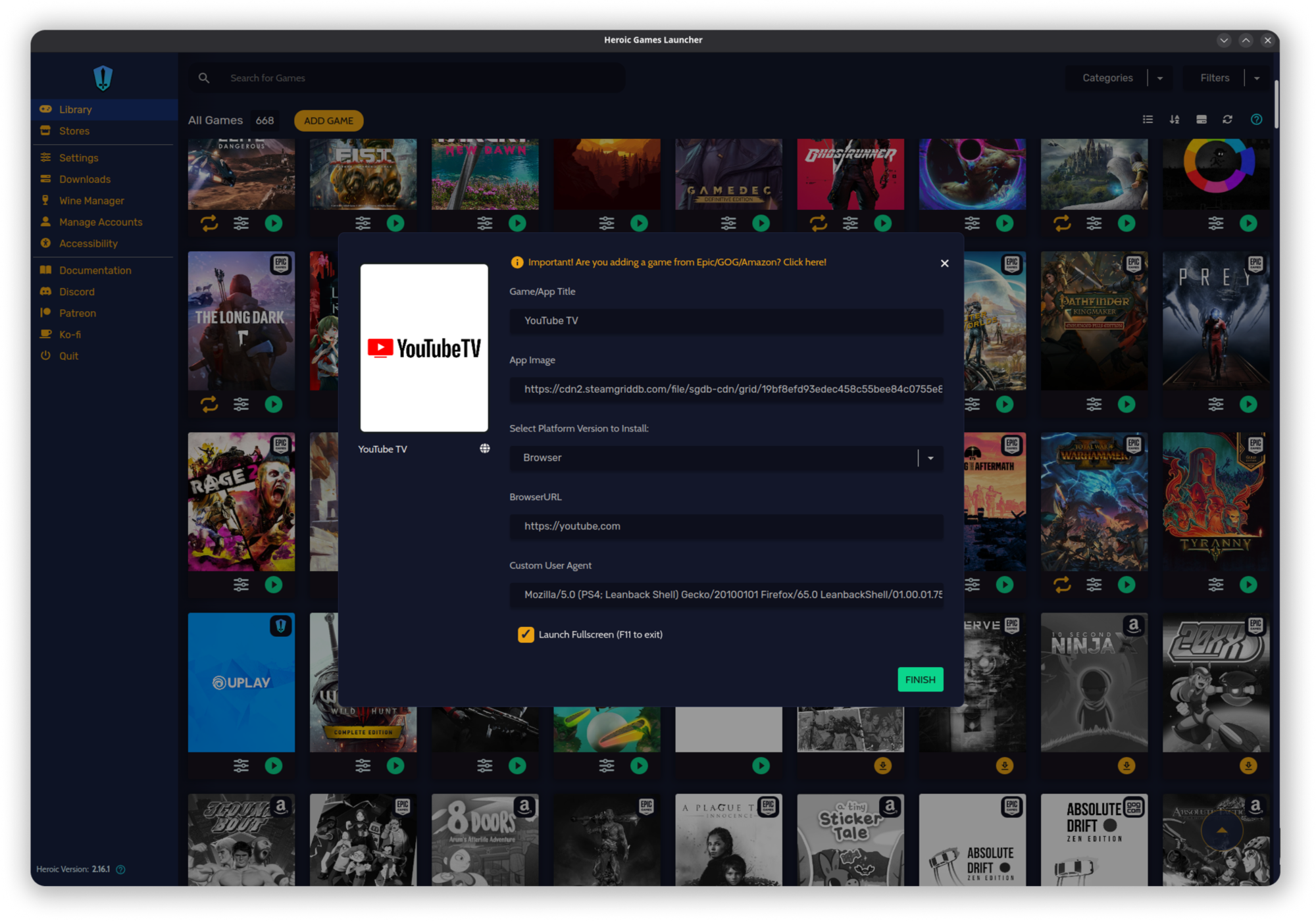
- Custom Additions: Add non-native executables, external shortcuts, and web browser applications to your main dashboard.
Optimizing Compatibility and Performance
The strength of the Heroic Games Launcher open-source game manager lies in its deep integration with modern compatibility tools. Users can toggle specific Wine prefixes, configure virtual desktops, and utilize Winetricks directly from the application interface. Additionally, for titles that support extra content, the launcher offers native DLC installation management, ensuring your expansions are ready to play without manual file editing.
For reviews, metadata, and decision-making, the interface integrates directly with Metacritic, IGDB, and OpenCritic, letting you check ratings and game details before initiating a download queue.
Platform-Specific Considerations
While highly versatile, operating within specific sandboxed environments like Flatpak introduces distinct behaviors. For instance, the stable Flatpak release utilizes specific runtimes to ensure controller stability in Steam Deck Gaming Mode. Users looking for cutting-edge features like HDR support can opt for beta branches. To ensure optimal performance, it is highly recommended to utilize the built-in Wine Manager to download compatibility tools directly within the interface.
Is This the Right Launcher for You?
If you want to declutter your Linux desktop and run your Epic, GOG, and Amazon libraries through a single clean interface, this tool is an exceptional choice. It eliminates the friction of running separate launchers while giving you granular control over compatibility tools.
To explore this utility further and review the installation options for your specific distribution, visit the official Flathub store page.