
xemu



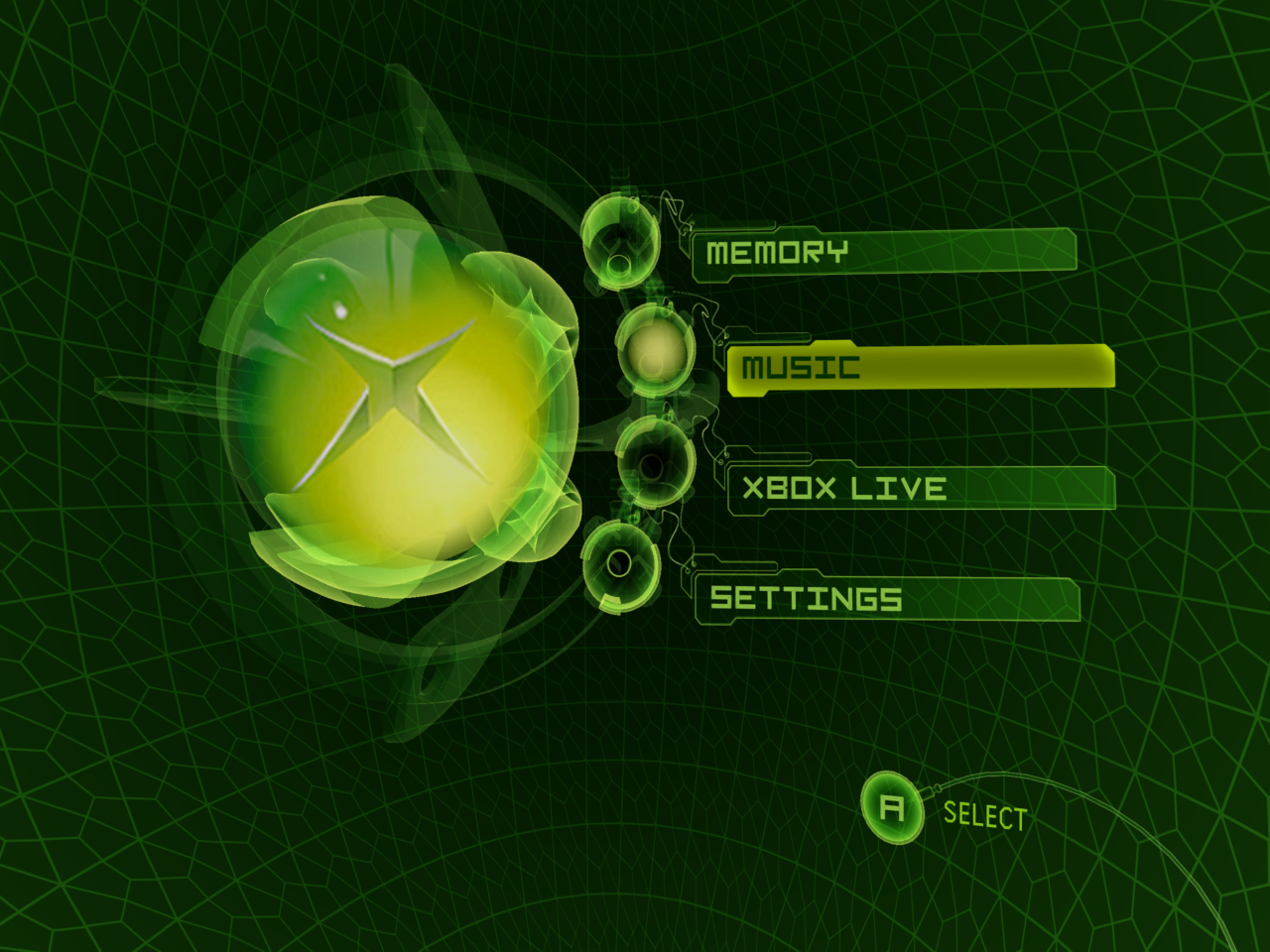
Discover xemu, the open-source original Xbox emulator for Linux. Read our review of its features, local multiplayer support, and performance scaling.
Reliving the Golden Era of Console Gaming
For many gamers, the original Microsoft Xbox represents a transformative era of gaming history, introducing groundbreaking franchises and robust multiplayer experiences. The xemu original Xbox emulator makes it possible to preserve and experience these classic titles directly on modern Linux systems. As an open-source project, it provides an accessible, high-performance bridge between vintage console software and modern open-source operating systems.
Key Features of the xemu Original Xbox Emulator
This software is built to deliver a highly customizable and authentic emulation experience. Rather than simply replicating the original hardware limitations, it offers tools to modernise your gameplay.
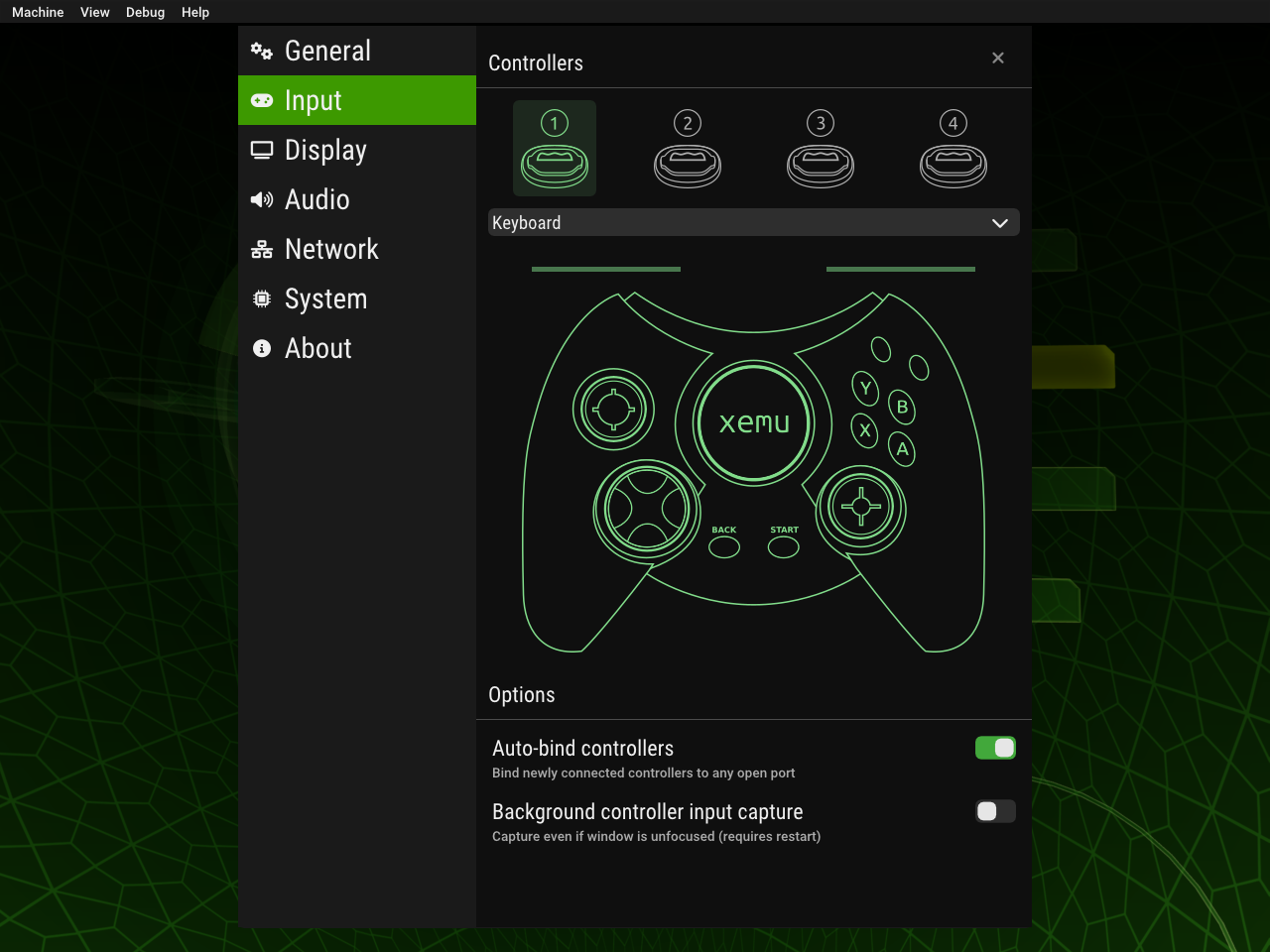
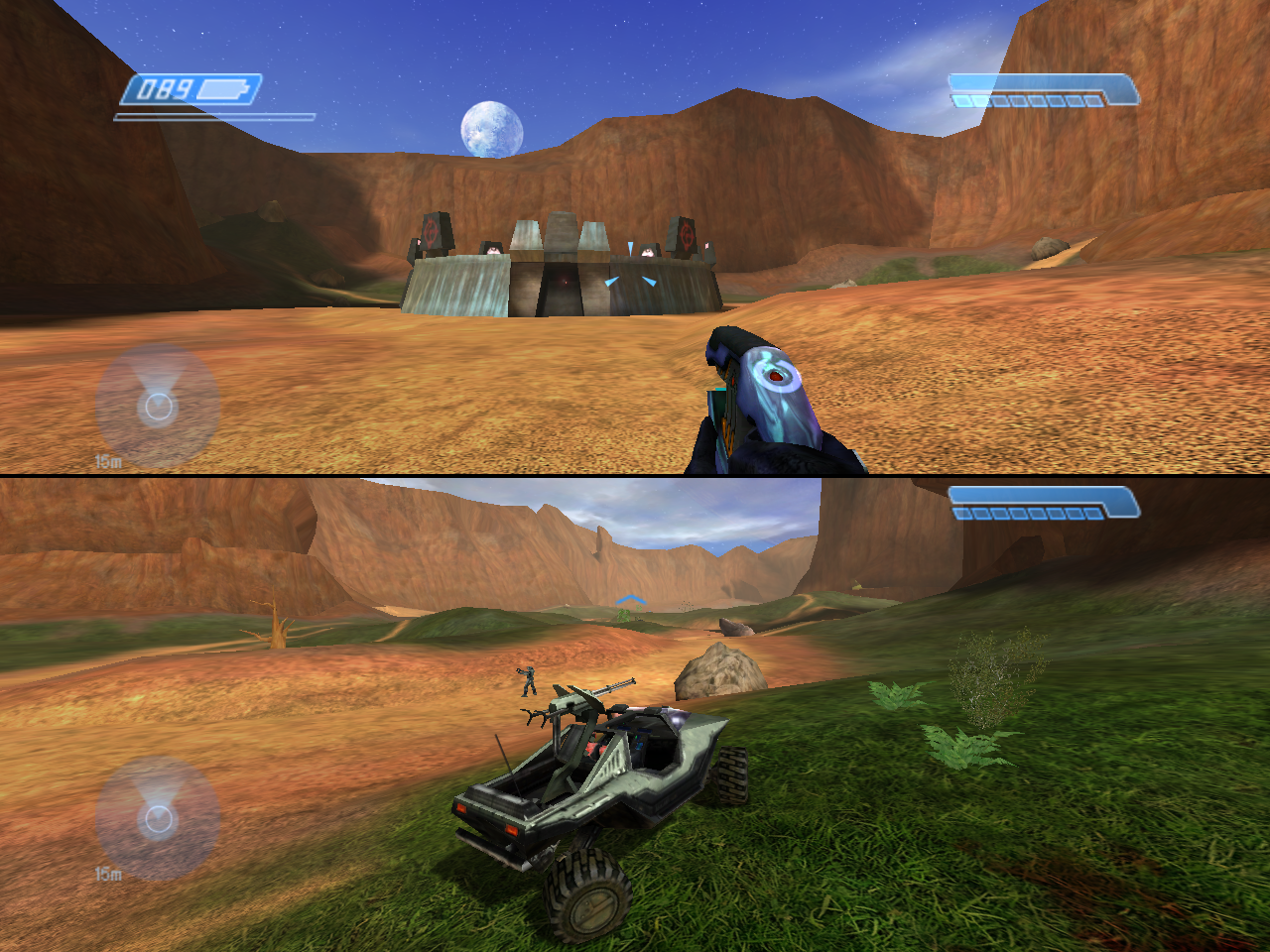
- Multiplayer and Networking: Connect up to four controllers locally for classic couch co-op, or utilize network emulation to join multiplayer matches.
- Visual Upgrades: Scale the rendering resolution beyond the original hardware limits, allowing classic games to look crisp on modern high-definition displays.
- Active Open-Source Development: Maintained by the dedicated xemu project community, ensuring continuous compatibility updates and performance optimizations.
Understanding the Linux Environment Configuration
Operating the xemu original Xbox emulator on Linux requires a specific file structure to ensure successful emulation. Because of its secure sandboxed packaging, the application has restricted write permissions. Users must place their virtual hard disk image (such as xbox_hdd.qcow2) within the designated application data path: $HOME/.var/app/app.xemu.xemu/data/xemu/xemu/. Preparing these system files beforehand ensures a smooth configuration process.
Who Is This Emulator For?
This emulation platform is ideal for retro gaming enthusiasts, preservationists, and Linux users who want to revisit their physical game libraries without keeping vintage hardware hooked up to their modern television sets. Its robust controller mapping and networking features make it a versatile tool for both solo players and groups of friends looking to recreate LAN party memories.
Where to Find the App
While we do not host installation files on our site, you can read more, check compatibility lists, and find setup documentation directly on the official distribution channel. To get started with your emulation journey, visit the official Flathub store page to download the flatpak package for your Linux distribution.