
PC Cleaner for Windows
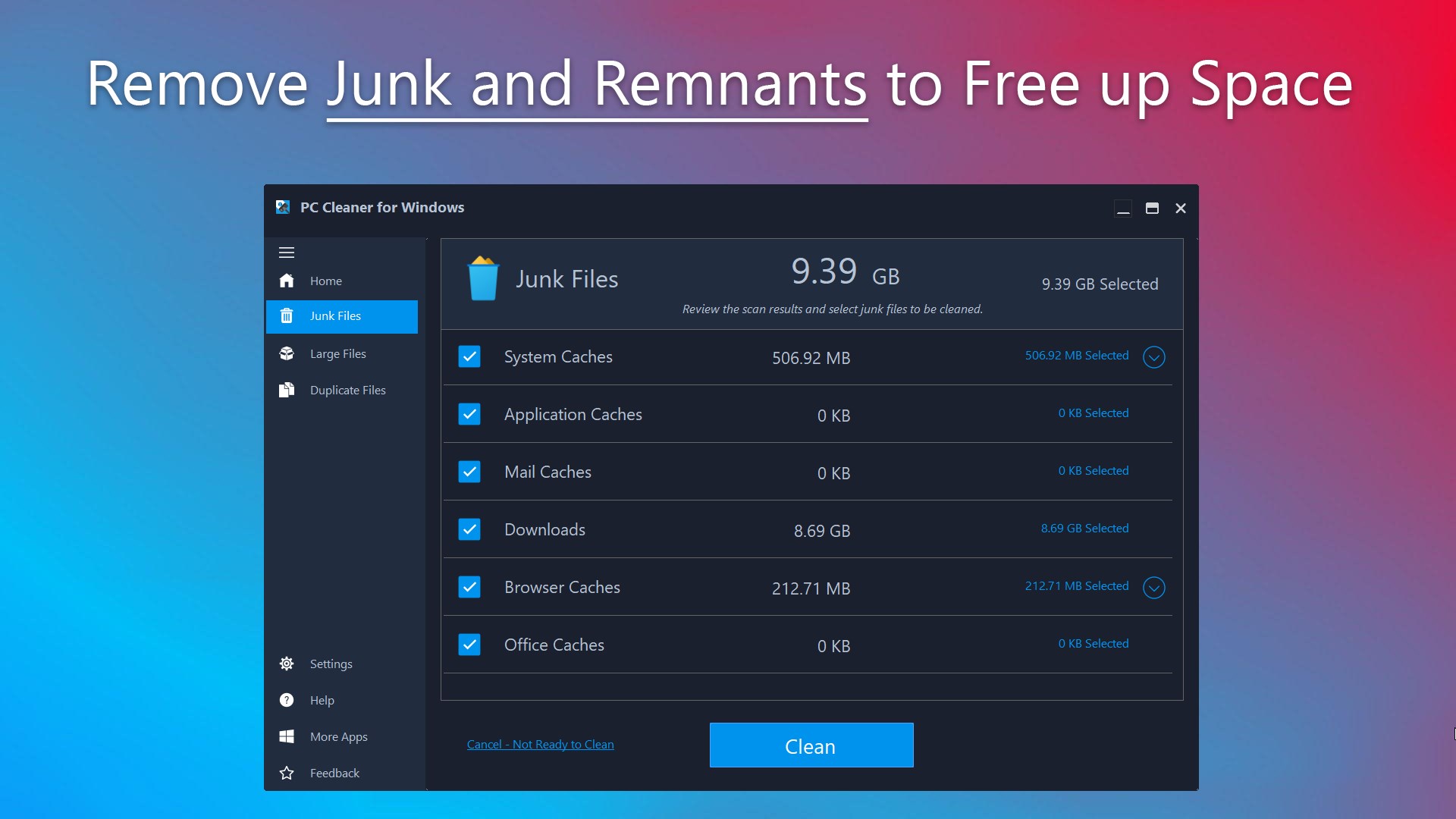
Read our comprehensive review of PC Cleaner for Windows by HUXSoft. Discover how this utility helps optimize system storage, remove junk, and clear duplicate files.
Reclaim Valuable Storage with PC Cleaner for Windows
If your computer is starting to feel sluggish or your hard drive is constantly running out of space, the culprit is often accumulated digital clutter. PC Cleaner for Windows system optimization software by HUXSoft.com provides a straightforward, user-friendly solution to this common problem. Designed specifically for the Windows platform, this utility focuses on identifying and purging unnecessary files that slow down your system, helping you restore your computer's efficiency without complicated manual troubleshooting.
Key Features for System Maintenance
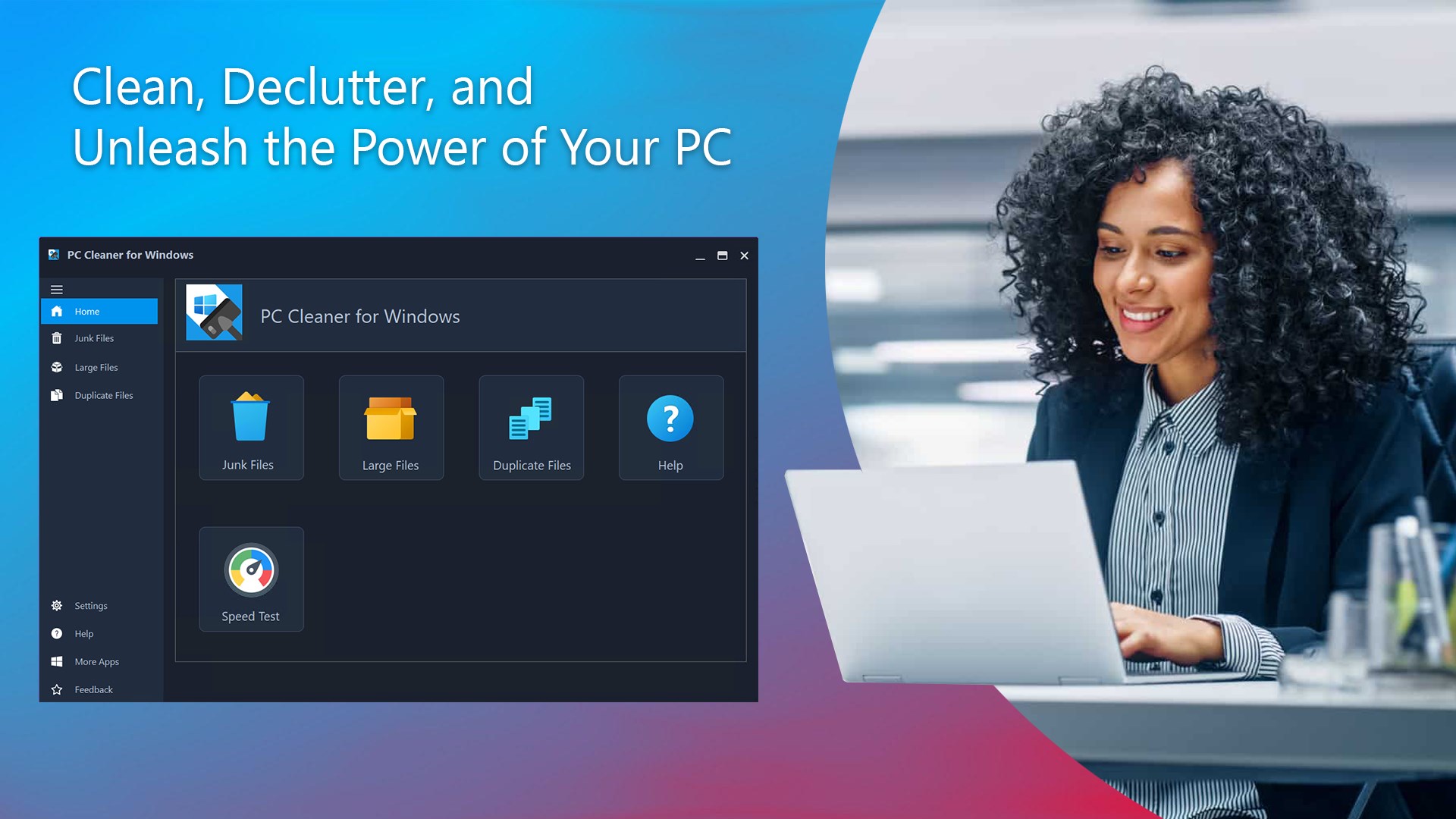
This utility approaches system maintenance through three core functional areas, each targeting a specific type of storage waste:
- Junk Cleaning: The application scans your system for temporary files, cache data, and other digital remnants left behind by daily operations. Removing these files is completely free in the trial version, providing an instant boost to your available storage.
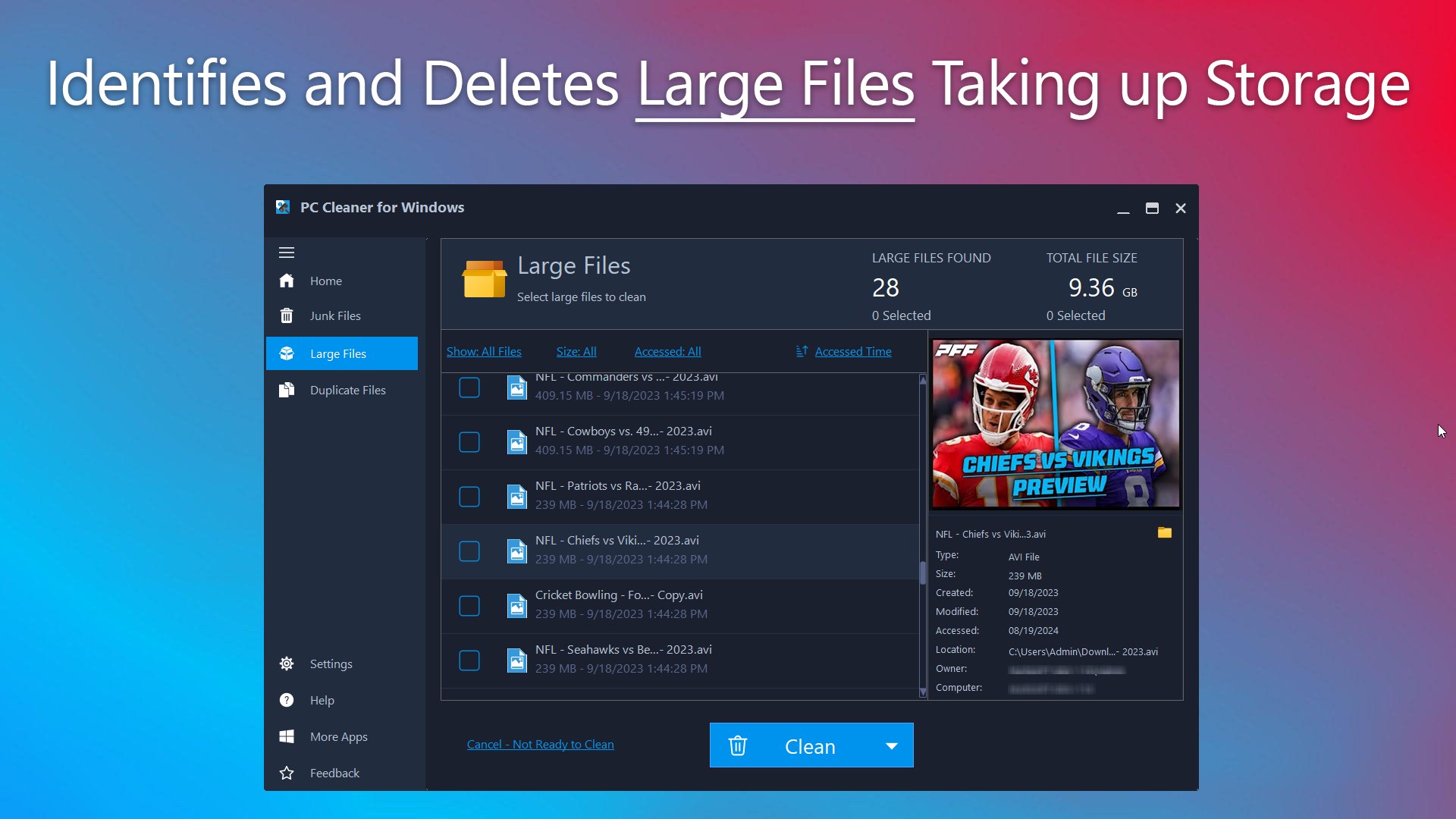
- Large File Management: Easily locate massive, space-consuming files that you might have forgotten about. This feature helps you organize your drive and decide which large items to secure or delete.
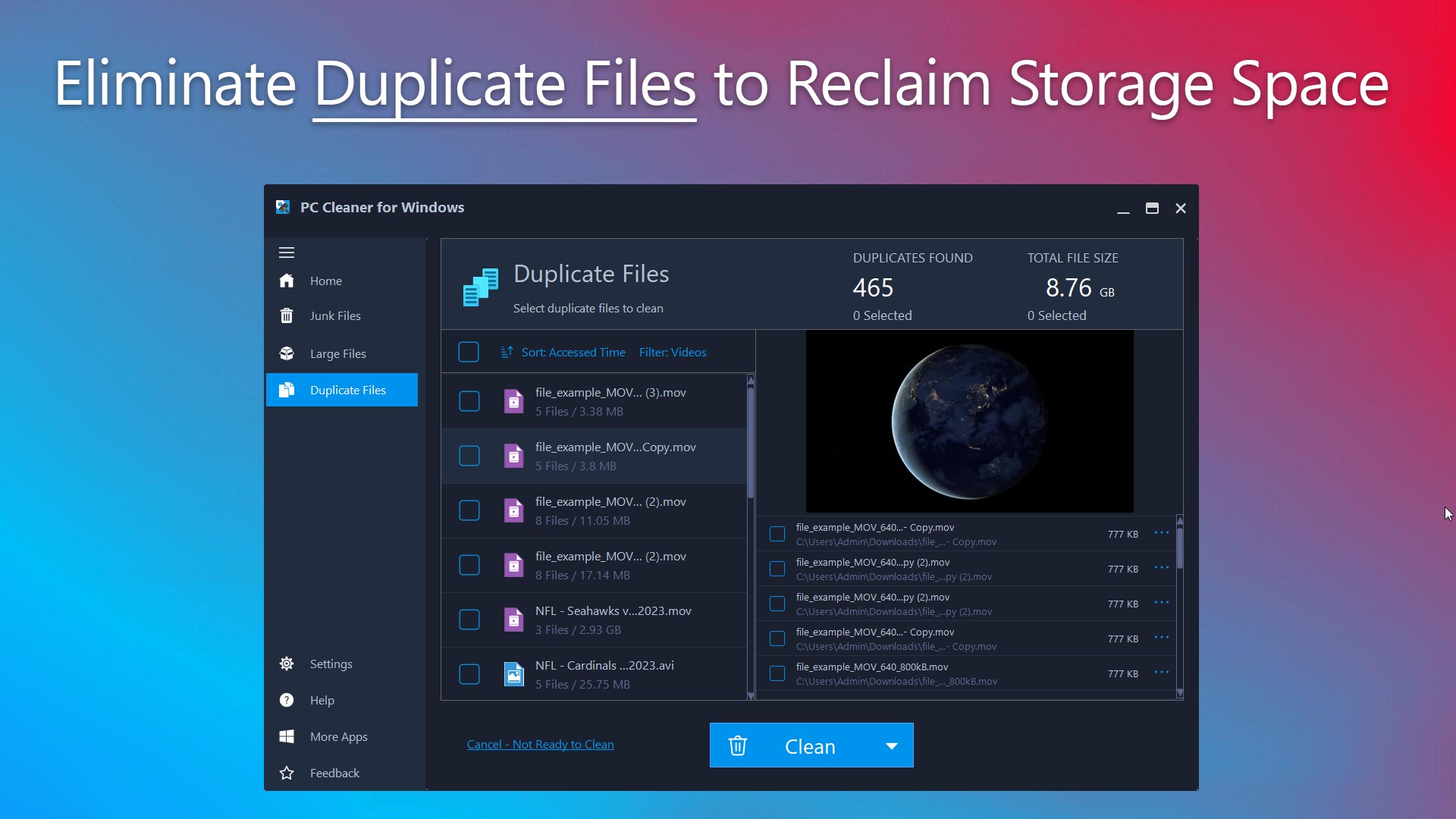
- Duplicate File Removal: Redundant files can quietly accumulate and waste precious gigabytes. The built-in duplicate finder identifies identical files, allowing you to streamline your file system and reduce clutter.
Licensing and Usability
Understanding the licensing model is key to getting the most out of this tool. The initial version of PC Cleaner for Windows system optimization is available as a free Trial. Under this trial tier, you can perform junk file cleaning entirely for free. Additionally, you can scan your drives and preview the results for both Duplicate Files and Large Files at no cost. To execute the actual removal or cleaning of those duplicate and large files, a premium license upgrade is required.
Is It Right for You?
For users looking for a no-nonsense tool to quickly clear out temporary system bloat, this utility offers an intuitive interface that gets straight to the point. Rather than navigating complex system directories, you can manage your storage health from a single, centralized dashboard.
To explore its scanning capabilities and see how much space you can reclaim, head over to the official Microsoft Store to view the application details and try it on your device.