
Ram Cleaner: Game Booster, PC Optimizer
Read our comprehensive review of Ram Cleaner: Game Booster, PC Optimizer. Learn how this Windows tool optimizes RAM and enhances your gaming performance.
The Frustration of Mid-Game Lag and System Slowdowns
Picture this: you are in the final, high-stakes moments of a competitive match, or rendering a complex video project, and your computer suddenly stutters. System lag and depleted memory resources can ruin both productivity and play. The Ram Cleaner: Game Booster PC Optimizer App by developer finetuneapps aims to solve this exact bottleneck. Designed specifically for Windows, this utility provides an accessible way to reclaim system memory and streamline background processes.
How the Ram Cleaner: Game Booster PC Optimizer App Enhances Your System
This utility targets system optimization through a few focused, user-friendly mechanisms designed to keep your hardware running efficiently.
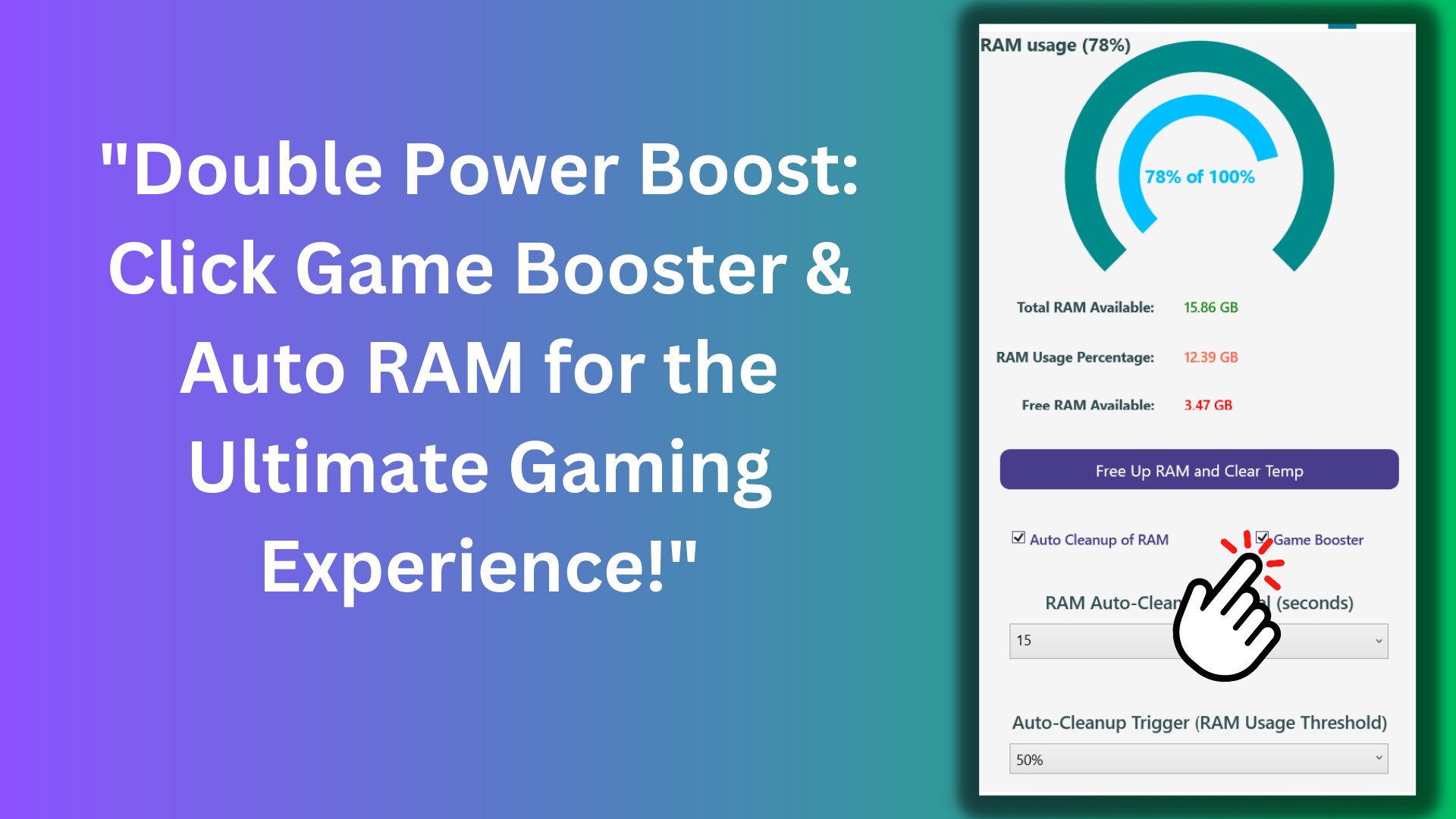
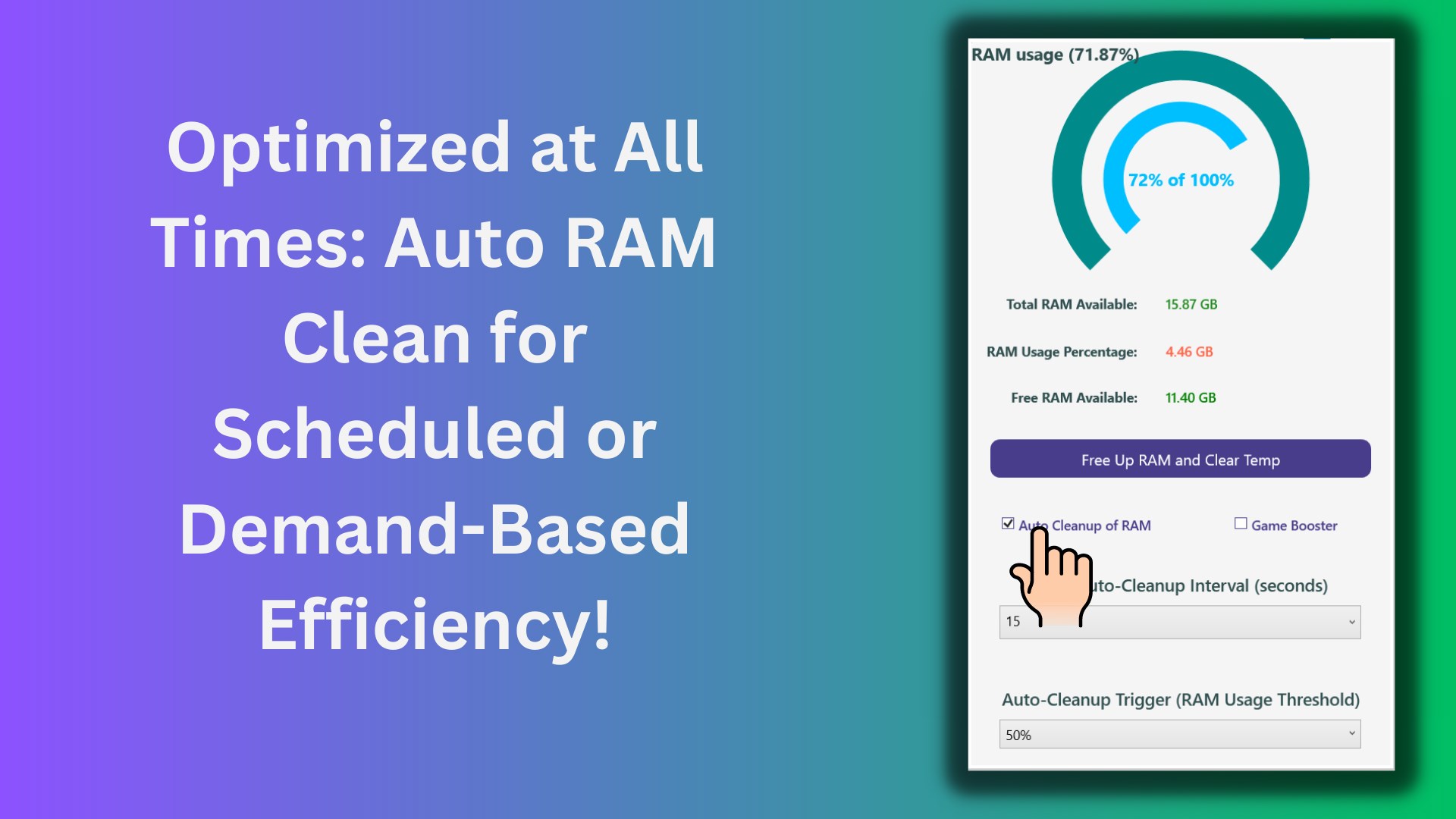
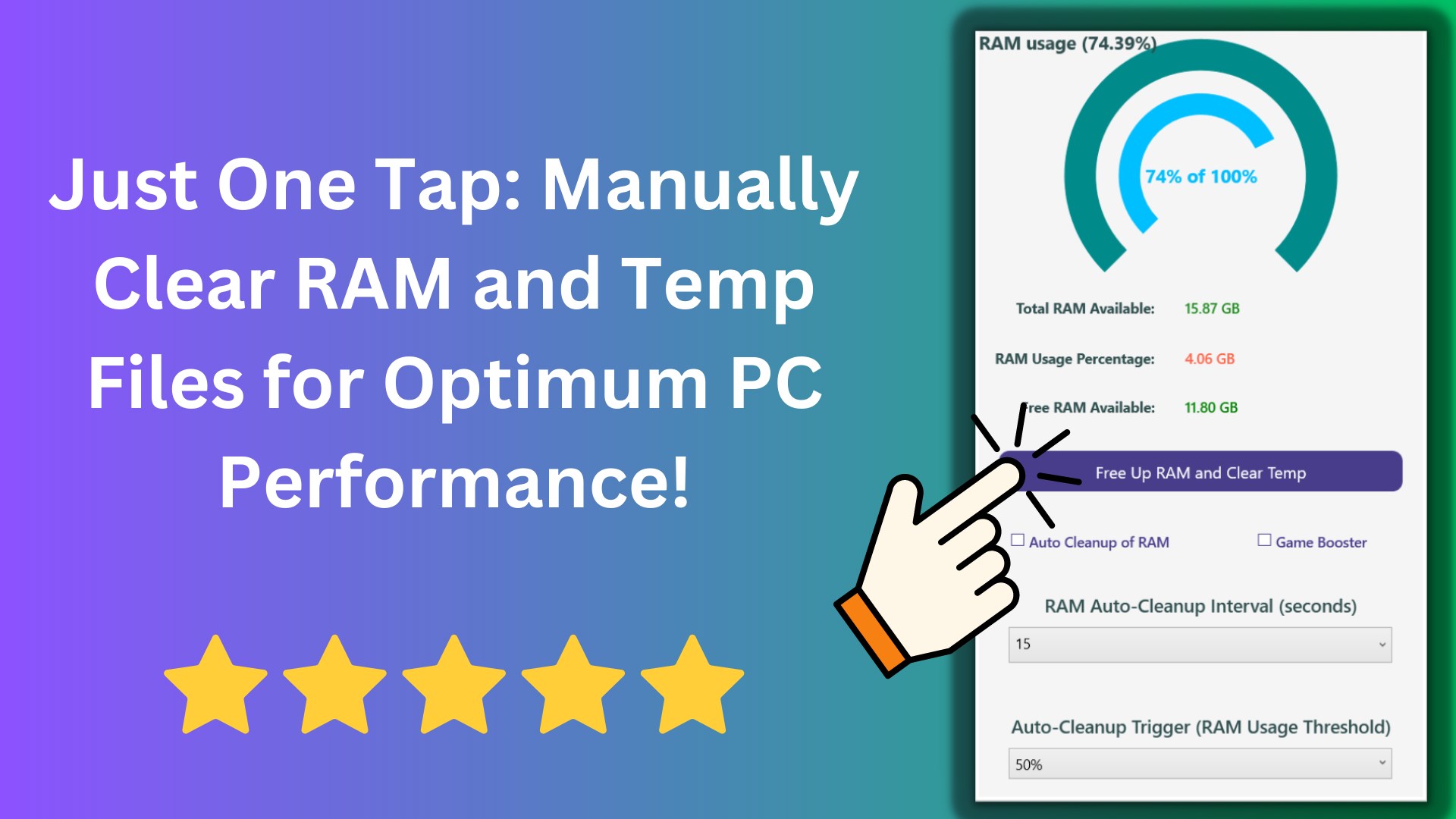
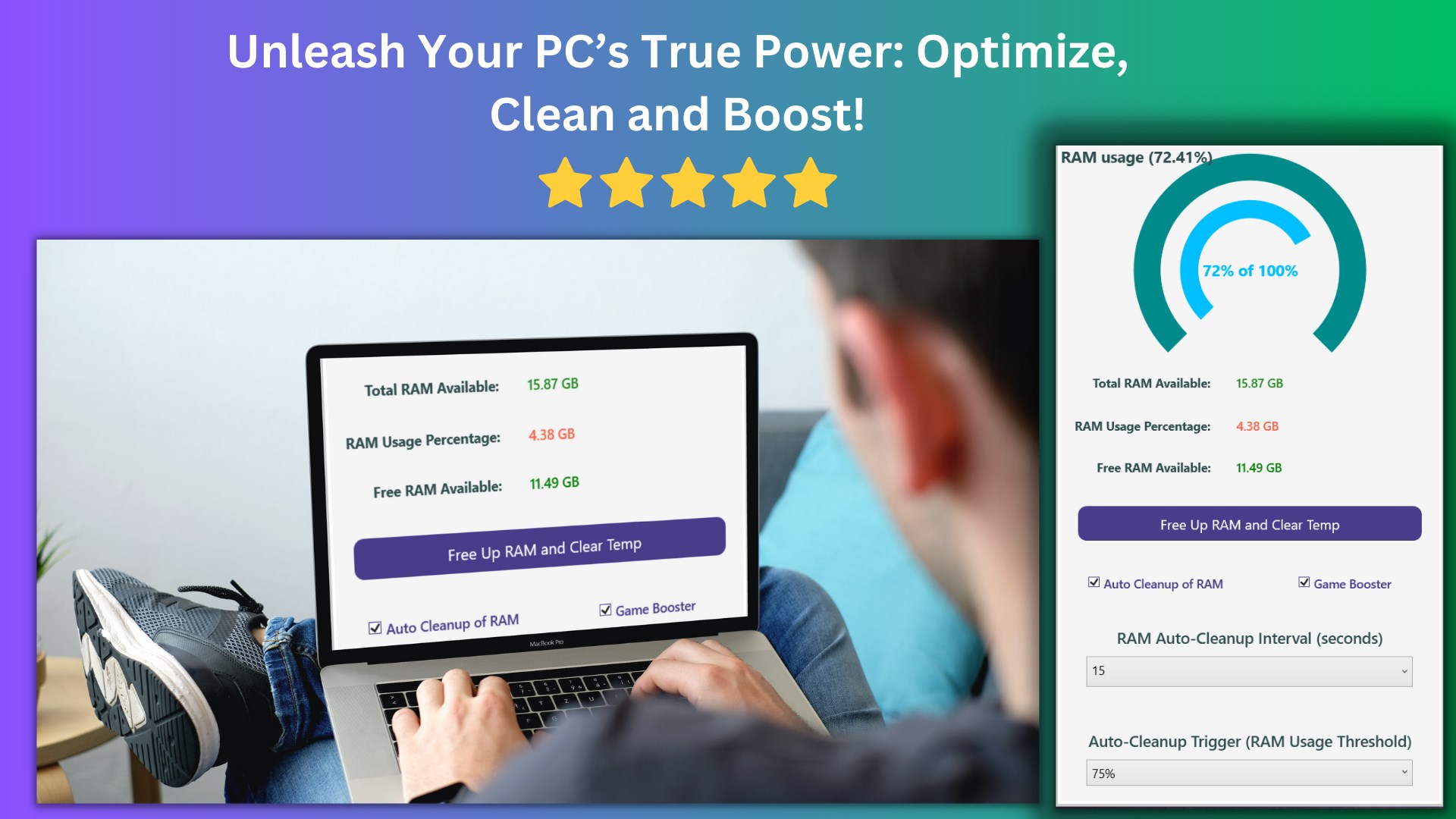
- Manual and Scheduled RAM Cleaning: Users can instantly free up system memory with a single click. For more convenience, the application includes settings to automate this process based on specific usage thresholds or schedules.
- Dedicated Game Booster: This specialized mode adjusts system priorities to focus resources on your active game, minimizing frame drops and background interference.
- Real-Time Performance Monitoring: An intuitive dashboard provides a live look at your system's resource consumption, helping you understand when your PC needs a quick optimization boost.
Who Benefits Most from This Optimizer?
The Ram Cleaner: Game Booster PC Optimizer App is highly beneficial for PC gamers who need every frame per second they can get. However, its utility extends to content creators running heavy editing suites and casual users working on older hardware who want to maintain a snappy, responsive desktop experience without manual troubleshooting.
Trial vs. Premium Features
It is important to note how the app structures its features. The base version serves as a limited trial, allowing you to experience the core manual optimization interface. To unlock the full suite of automated tools—specifically the Auto RAM Cleaning schedule and the advanced Game Booster background optimization—users will need to upgrade to the premium Pro subscription.
Our Verdict: A Simple Solution for Better Performance
If you want a straightforward, non-technical way to keep your system memory in check, this tool offers a clean interface and practical features that deliver. Rather than digging through complex Windows settings, you can manage your system health from one central hub. To see if it fits your workflow, head over to the official Windows Store to explore the Ram Cleaner: Game Booster PC Optimizer App today.